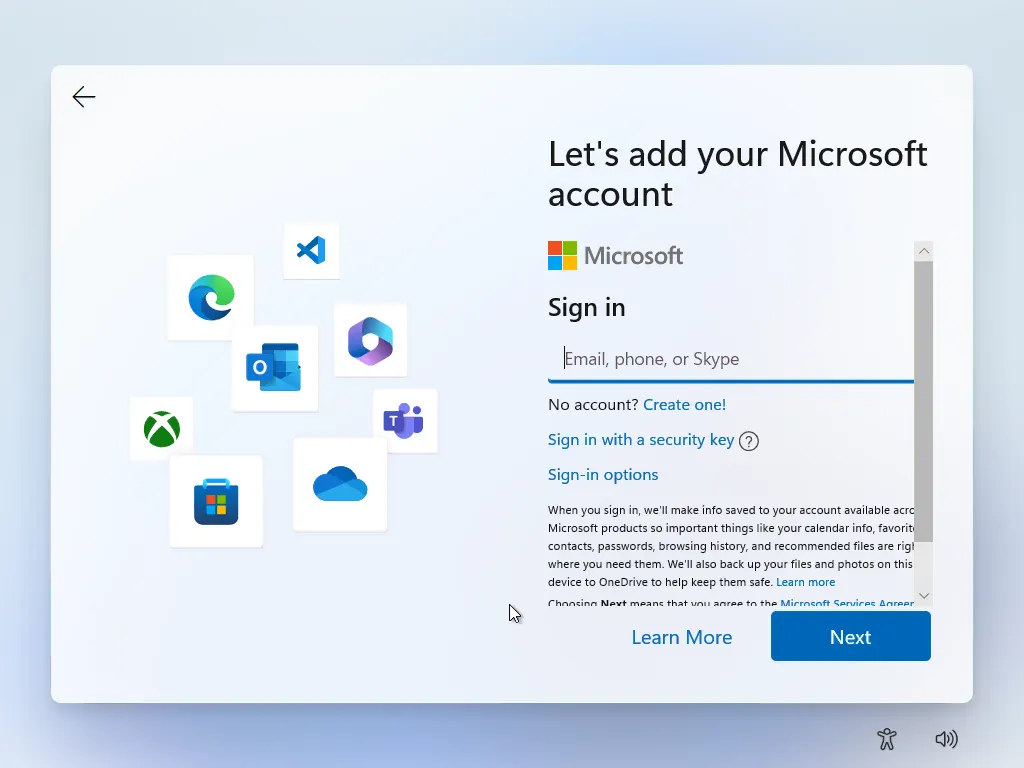
This is the screen where you use the guide. When the device is on the Microsoft account login/setup page shown above,
press Shift + F10 and run the command below.
1
Open Command Prompt
On the Microsoft account setup screen, press Shift + F10 to open a Command Prompt window (CMD).
If nothing seems to happen, make sure the setup window is focused and try again. On some devices you may need
to tap the keyboard function layer to trigger F10 properly.
2
Type the Local-Only Setup Command
In the CMD window, type the command below exactly as shown, then press Enter.
start ms-cxh:localonly